1
See
Know who needs help through requests, priority students, and current student success signals.
TeachForward helps teachers see who needs support, build the right small group, capture what happened, and turn today’s evidence into tomorrow’s next step.
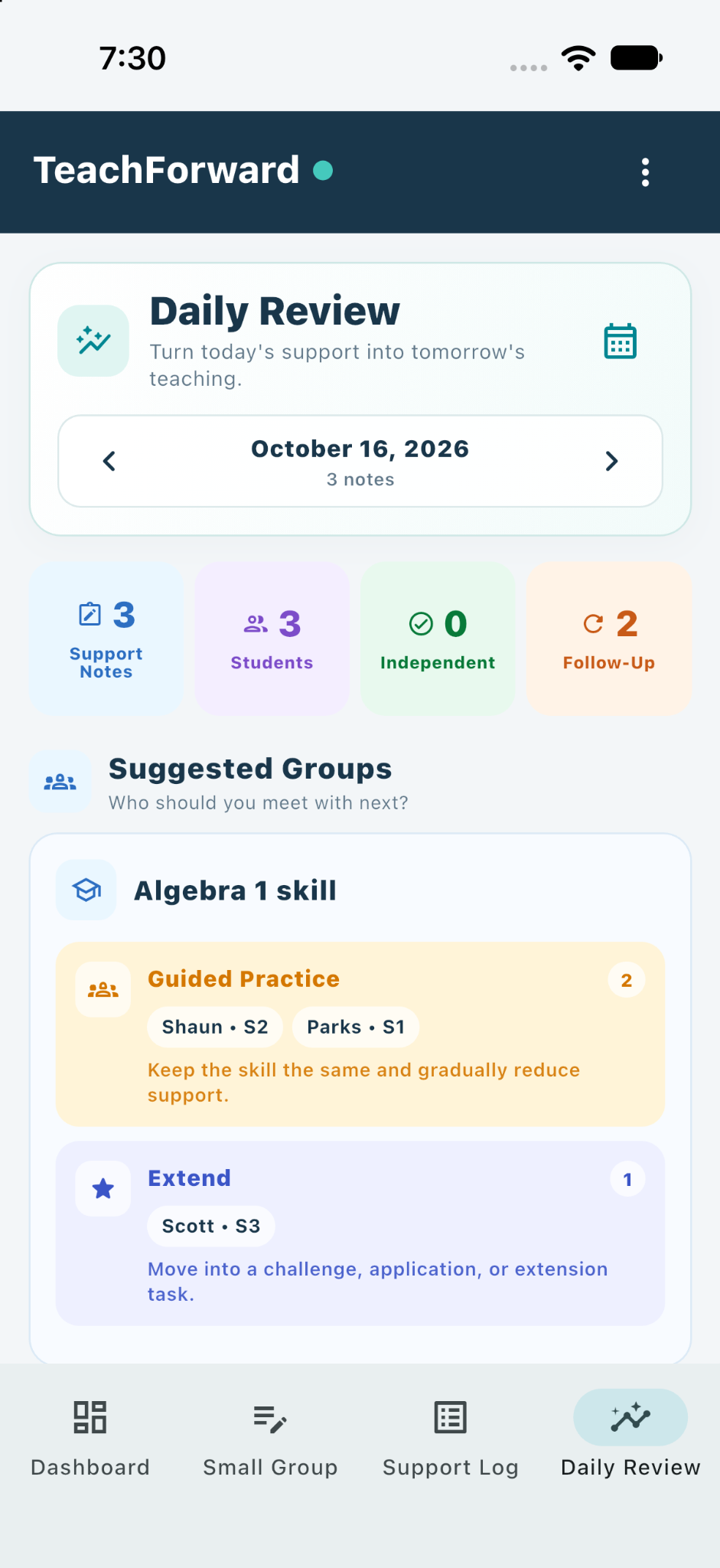
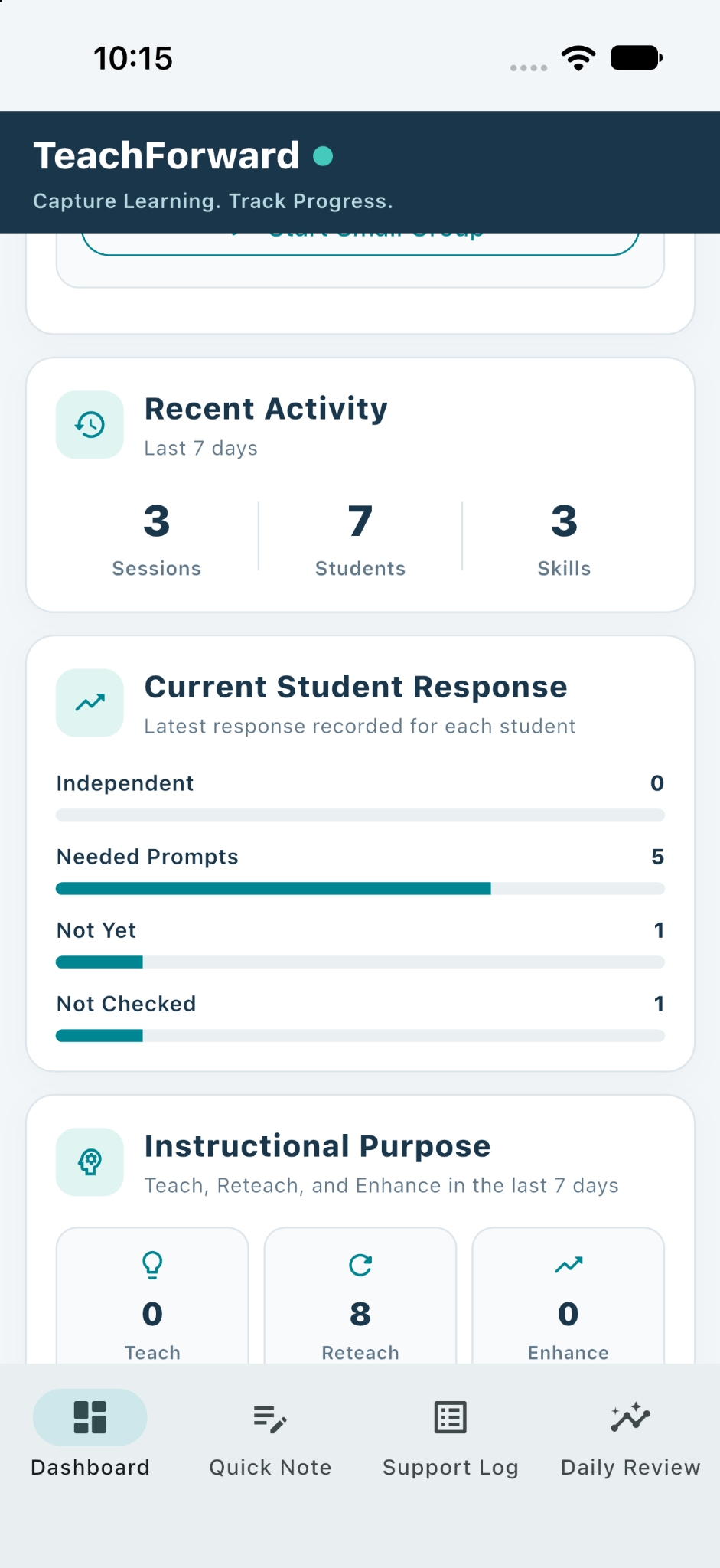
TeachForward keeps the most important small-group decisions connected in one place.
Know who needs help through requests, priority students, and current student success signals.
Build targeted small groups around shared skills and similar instructional needs.
Record student response, evidence, support provided, and the next step while it is fresh.
Use support history and Daily Review to know who needs reteaching, practice, or extension next.
Fewer disconnected notes. Fewer spreadsheets. Clearer support decisions.
Set up the classes you teach and keep support connected to the right students and class context.
Give students a simple way to signal that they need help without interrupting instruction.
Surface students with shared skill needs and move quickly into focused support.
See who needs support, who needs a check-in, who is on track, and who is ready to extend.
Stop relying on memory. See what was tried, what happened, and what each student may need next.
Turn today’s evidence into tomorrow’s groups, follow-up, reteaching, and extension plans.
The Dashboard brings together student requests, today’s activity, student success, priority students, and suggested groups so teachers can quickly decide where to focus.
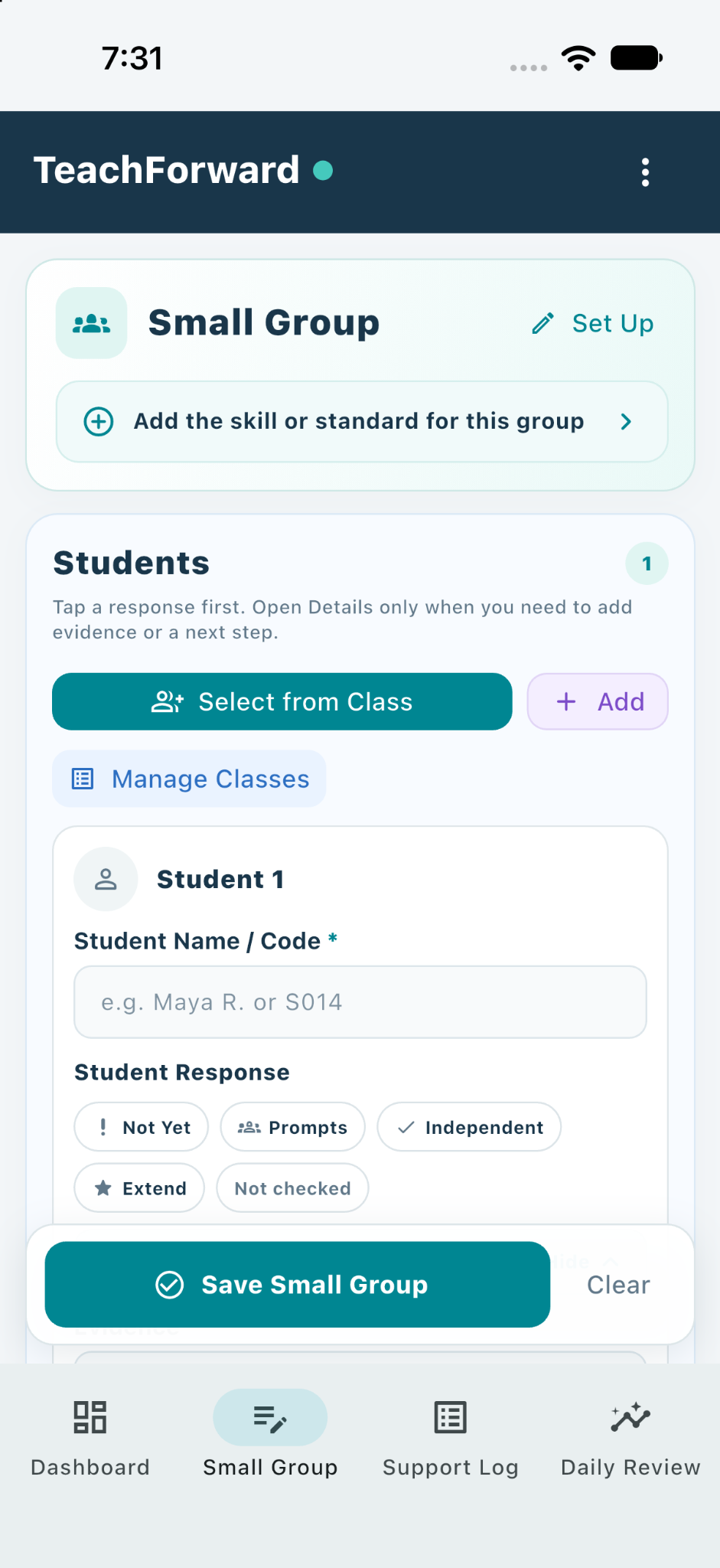
Select students, identify the skill, capture each student’s response, add evidence, and record what happens next — without leaving the small-group workflow.
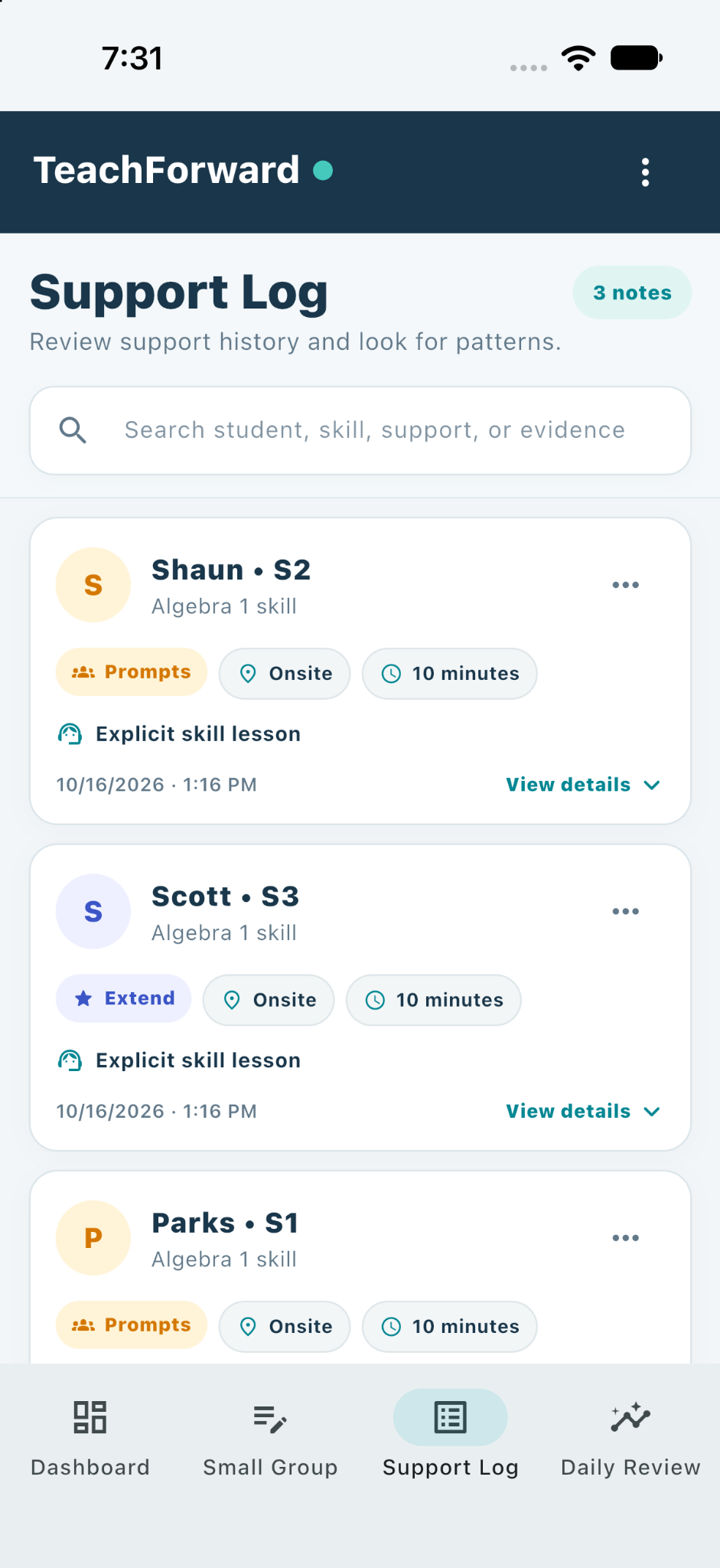
Support Log gives teachers a clean history of student response, skill, setting, support provided, evidence, and next steps.
Daily Review organizes student outcomes into suggested groups and patterns, helping teachers see who needs guided practice, reteaching, independence, or extension.
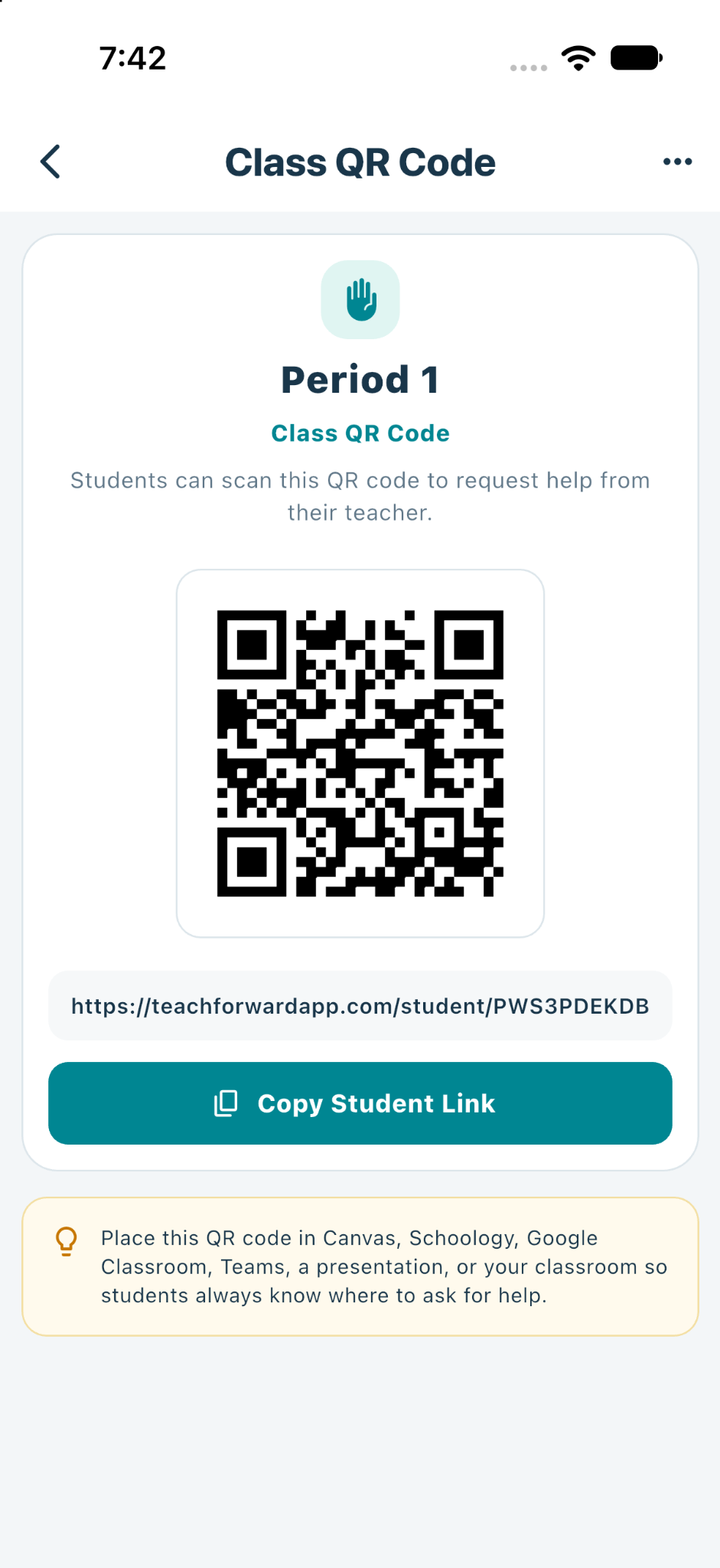
Each class can display its own QR code in Canvas, Schoology, Google Classroom, Teams, a presentation, or the physical classroom so students always know where to request support.
TeachForward is designed to fit into the work teachers already do — without becoming another complicated system to manage.
Download it free on your iPhone or iPad and start turning student needs into clear next steps.
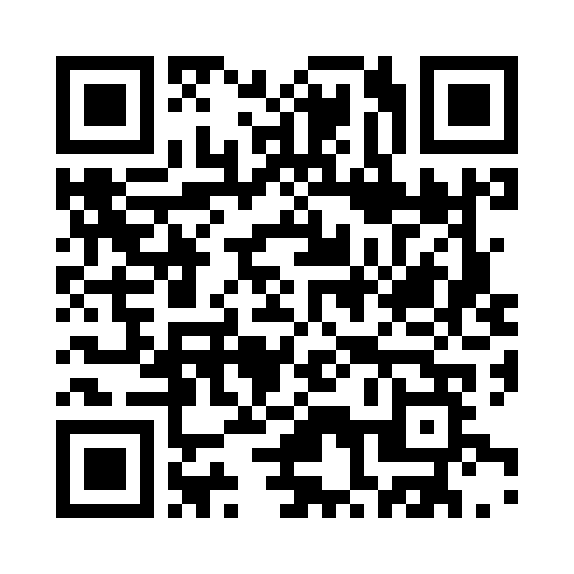 Scan to download
Opens TeachForward in the App Store
TeachForward is designed to help teachers spend less time managing information and more time responding to students.